Sponable 1.0 · Direct macOS software license

Put sound and picture together. Beautifully.

Sponable is a gentle Mac utility for serious audio post. Match mixes to videos, place music intelligently and create clean delivery files — without opening a timeline.

Magic MatchMagic HookUntouched FirstNo iLokApple silicon
Sponable, a small blue bowerbird holding a strip of film

Drop picture. Drop audio. Done.

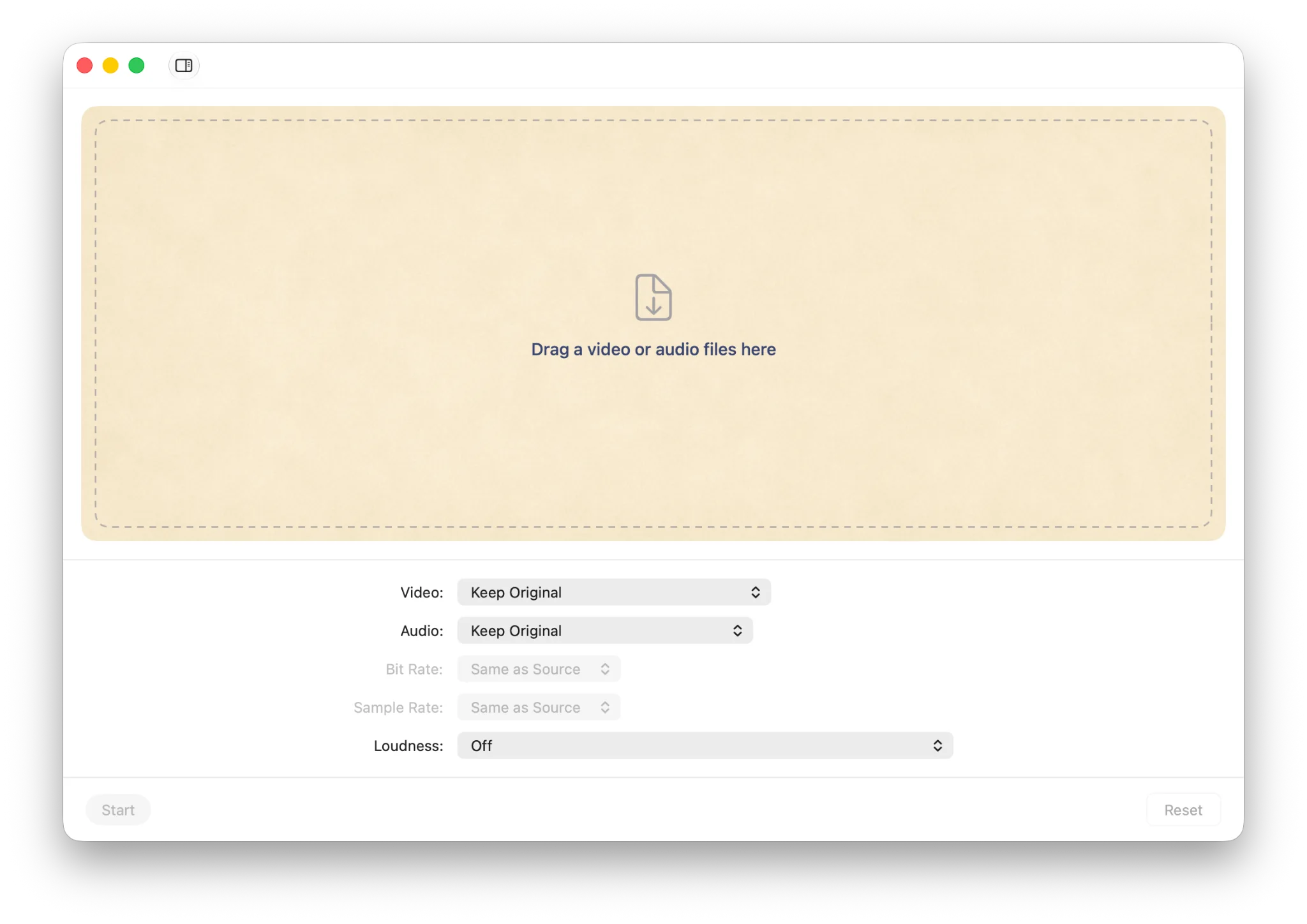
Sponable handles the everyday post-production task that should not require a full editing session: take a reference video, put the right sound on it and create finished files.

Sponable main window with a warm drag and drop area and export settings

Two small pieces of intelligence, right where work gets messy.

Magic Match and Magic Hook are the heart of Sponable: calm, practical helpers for the moments when projects have too many files, too many versions or too many music options.

Magic Match

Finds the right picture for every mix.

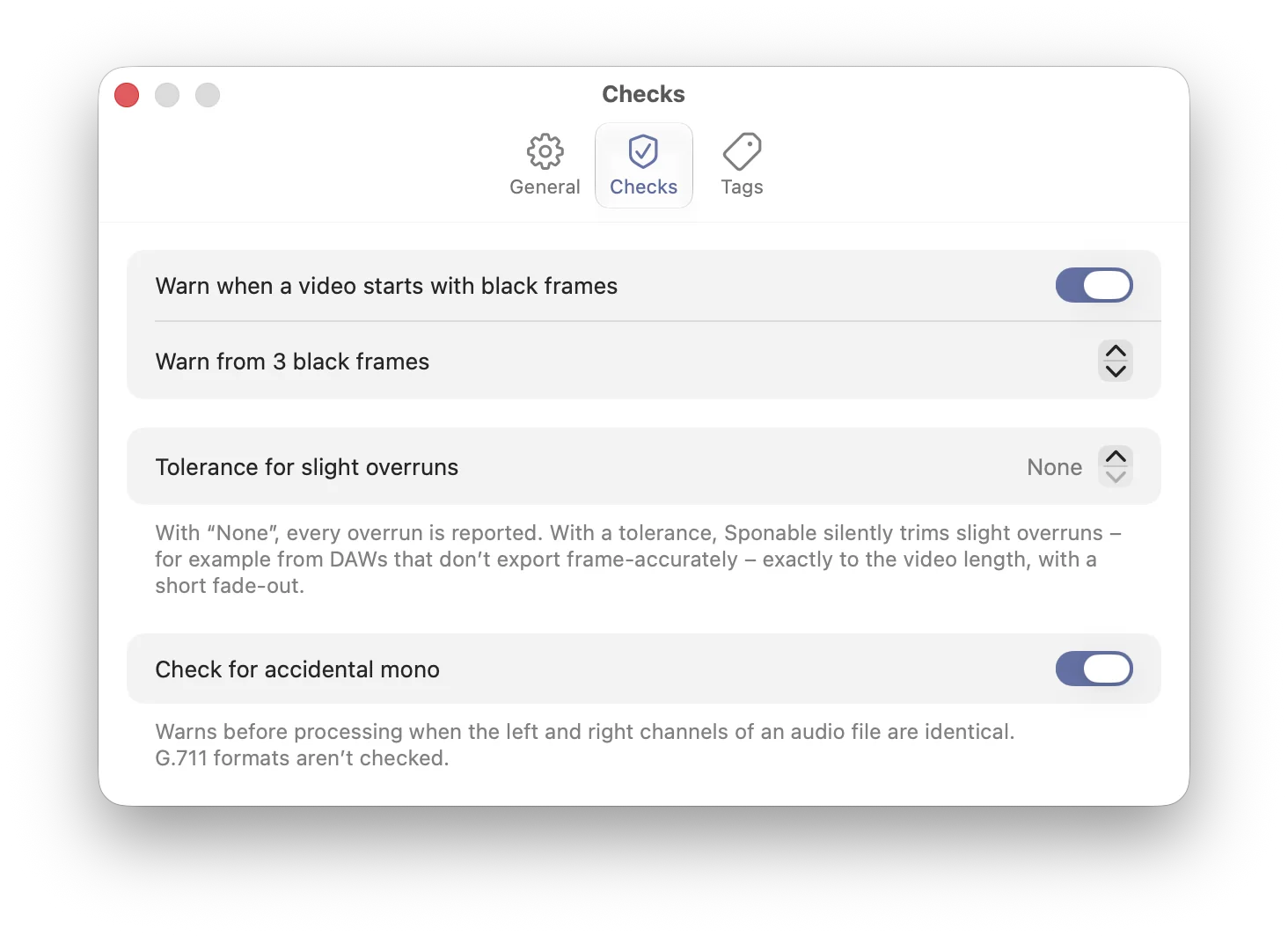
Drop the whole project folder — mixes, cuts, versions, proxies and all. Magic Match pairs each audio file with the right video, detects the current cut and takes black frames at the head and tail into account.

  • Matches mixes to the right video
  • Detects the newest version
  • Accounts for black frames
  • Leaves unclear matches visible
  • Never guesses when it is not sure

Careful where mistakes are expensive.

Magic Hook

Places music like an editor would.

Drop one track — or a whole folder of music — onto a video. Magic Hook finds musical entry points and creates quick picture-and-music previews, so you can try options, build mood tracks for clients or simply put music under picture without opening a timeline.

  • Audition whole music folders
  • Finds musical entry points
  • Creates quick video previews
  • Great for client mood tracks
  • No editing timeline required

Music on picture, with a little taste.

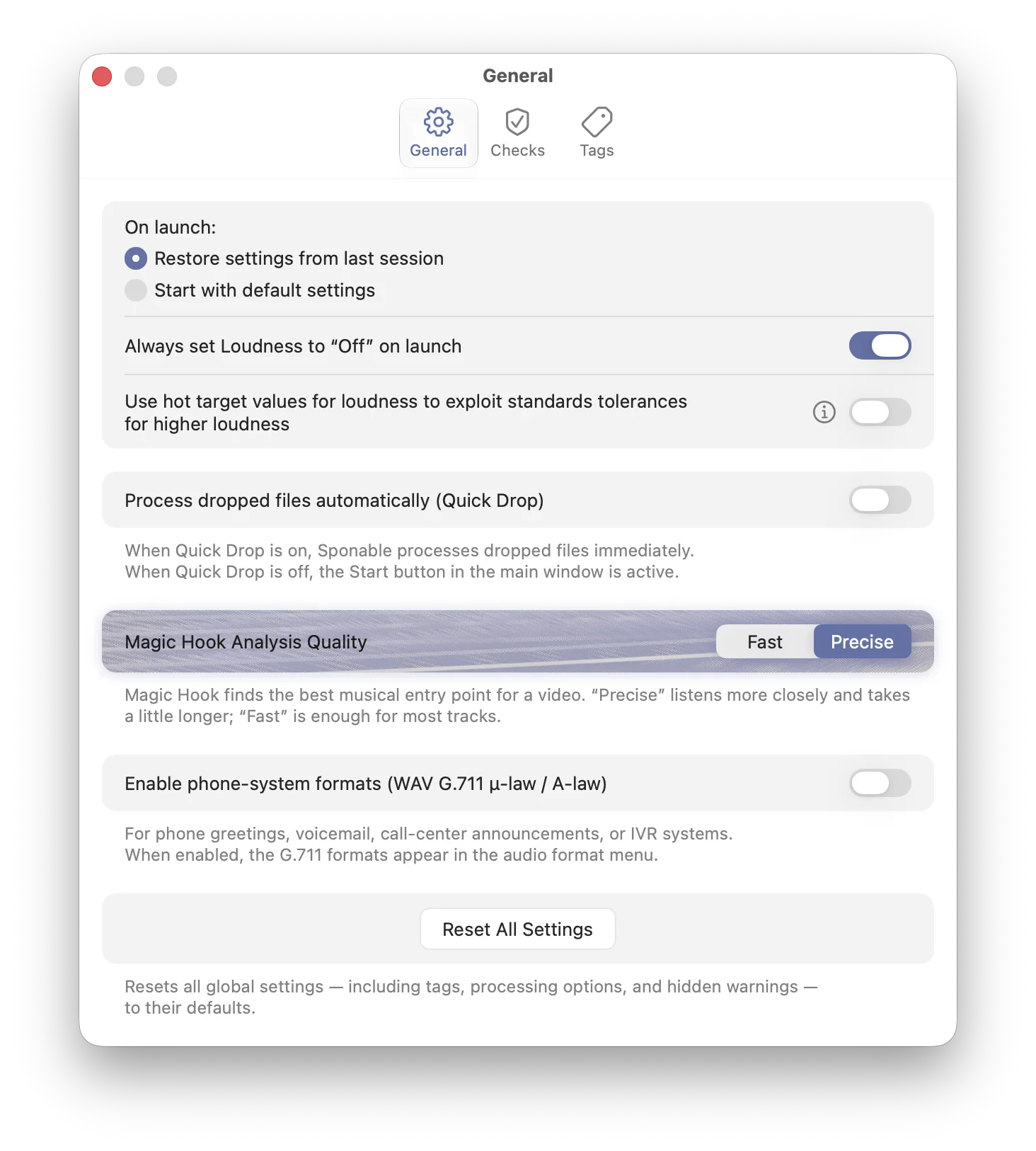
Soft on the surface. Serious underneath.

The interface stays light. The decisions underneath stay precise.

Quick Drop

When Quick Drop is on, Sponable starts as soon as the right files are there. Drop a video, drop your mixes, and let the finished files appear.

Untouched First

Sponable never changes your audio unless you explicitly ask it to. Approved mixes are passed through losslessly and placed onto picture as-is, keeping the best possible sound and picture quality.

Loudness, ready for delivery

Normalize audio files on the go with presets for common standards, platforms and media types — or enter your own LUFS-I and dBTP targets. For louder settings, Sponable uses true-peak limiting to keep exports technically safe.

Convert, resize and make files lighter

Convert single files or whole batches of video and audio into the formats you need — from lightweight approval files to clean audio exports, Photo-JPEG proxies and phone-system WAVs.

Photo-JPEG proxies

Create DAW-friendly MOV proxies for smooth scrubbing and frame-accurate work in Pro Tools, Nuendo and other audio-post workflows.

Built to stay calm under load

Sponable is made for demanding media workflows: many files, different drives, heavy analysis and parallel processing. Built for Apple silicon and modern macOS, it keeps the interface responsive while the hard work happens underneath.

1

Drop a reference video

Use the picture you need to deliver against. Sponable reads common QuickTime-compatible video files.

2

Add one or many audio files

WAV, AIFF, M4A, MP3, CAF and FLAC are accepted. One mix becomes one new video file.

3

Send finished deliveries

Outputs are named after the audio files, so your client-ready mix names stay intact.

film_ref.mov0:30
mix_01.wav48 kHz
mix_02.wav48 kHz
mix_01.movready
mix_02.movready

Designed to feel at home on a Mac.

Warm, quiet and native — with the little controls audio post actually needs.

Detailed blue feather illustration from the Sponable bird

A softer media utility.

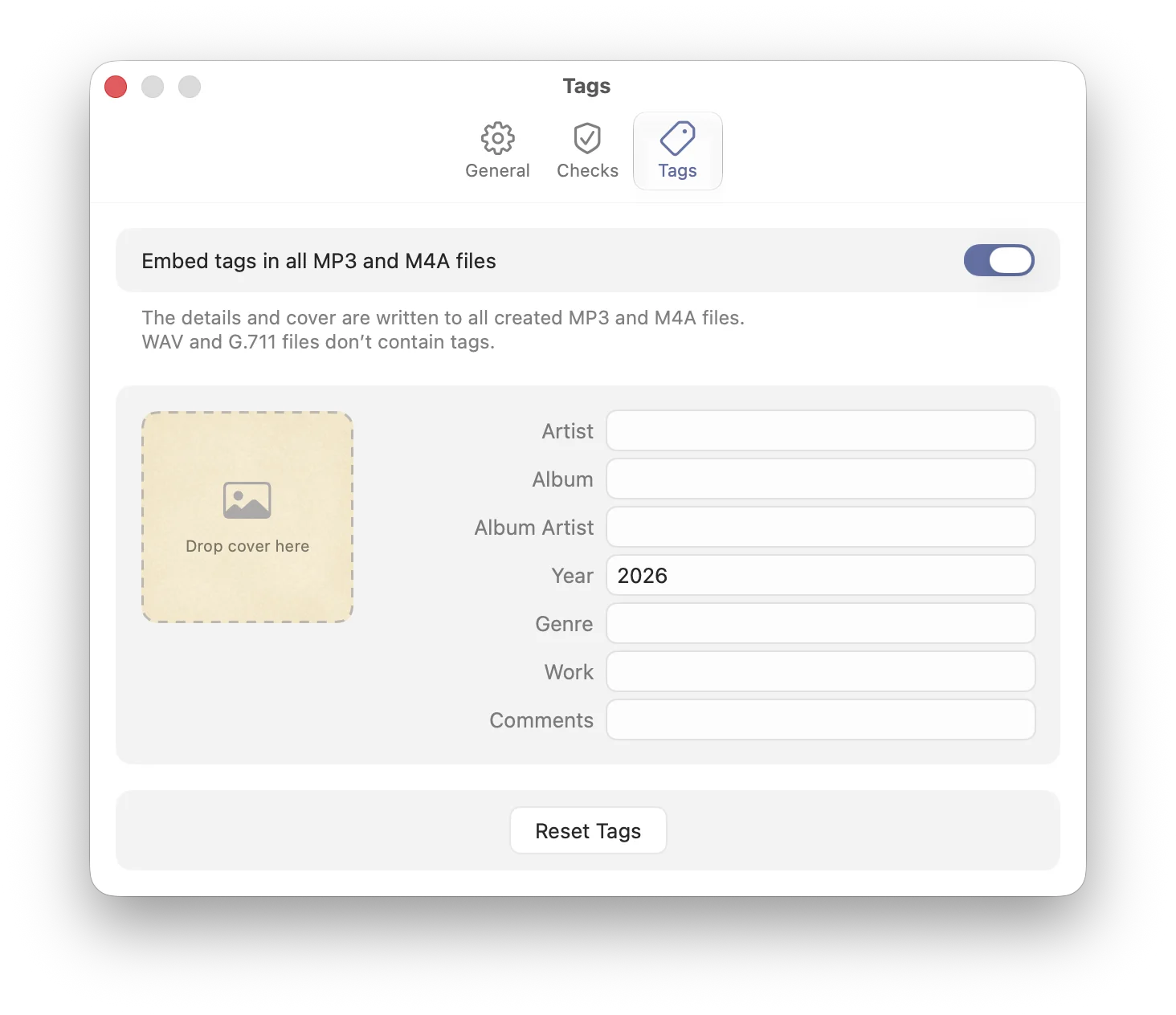
Most media tools feel technical before they feel helpful. Sponable takes a different path: a small, focused tool with a gentle surface and a serious core.

The bird is called Sponable. He collects, arranges and transforms things with care — just like the app brings your media files into order.

Simple licensing. No subscription.

Sponable licenses are sold directly through this website. Public checkout is being prepared while early access is available by email.

Trial
10 exports

Try Sponable without an account. No watermark, no credit card.

  • All core export features
  • No iLok required
  • Upgrade when you are ready
Ask for beta access

Questions, answered gently.

What does Sponable sell?

Sponable sells a macOS software license for a native audio-post utility. The app matches mixes to videos, places music, replaces soundtracks, creates delivery exports and prepares DAW-friendly proxies.

What is Magic Hook?

Magic Hook places music on picture with musical intent. It helps you quickly try tracks, prepare mood options and make picture-and-music previews without opening a timeline.

Which Macs are supported?

Sponable is built for Apple silicon Macs and requires macOS 15 Sequoia or later. Intel Macs are not supported.

What is Magic Match?

Magic Match is for project folders with many videos and many mixes. It pairs audio and picture by duration, filenames, version hints and black-frame information, and leaves unclear matches visible.

Does Sponable require iLok?

No. Sponable uses simple license-key activation and does not require iLok, a dongle or a separate license manager.

Is this a full video editor?

No. Sponable is intentionally focused on everyday audio-post export tasks: matching, replacing, placing, checking loudness and preparing clean files.